
CastPolish: Free, Open-Source Audio Processing for Your Podcast
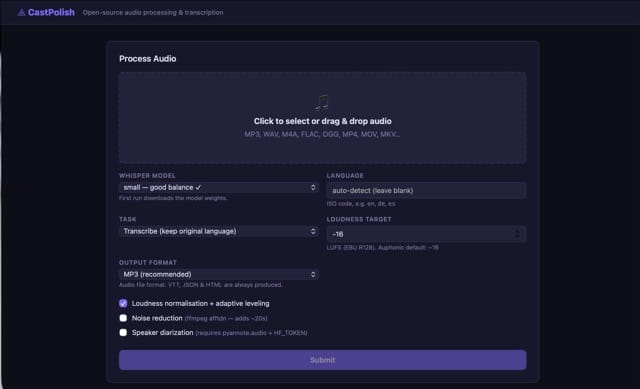
CastPolish is a free, open-source Mac app that brings professional audio post-production to your podcast — without any cloud service, subscription fees, or your audio ever leaving your computer. It handles loudness normalization, noise reduction, transcription, AI-generated chapter titles, summaries, and shownotes, all running locally on your Mac.
What CastPolish Does
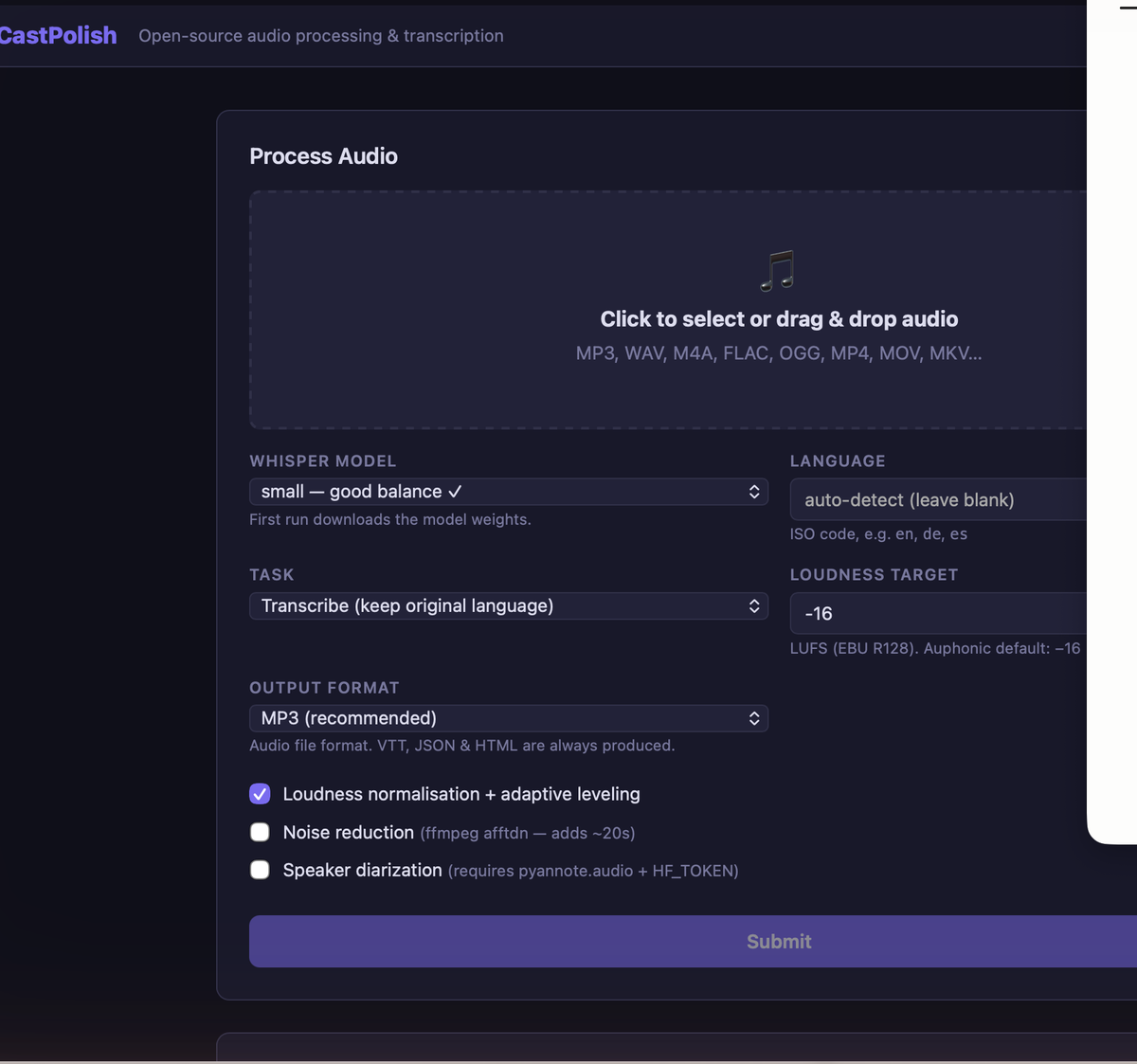
- Audio processing — two-pass EBU R128 loudness normalization to −16 LUFS (broadcast podcast standard), highpass filter, compression, and peak limiting
- Optional noise reduction — ffmpeg's built-in afftdn FFT noise filter (checkbox, adds ~20 seconds)
- Transcription — faster-whisper with word-level timestamps, exported as HTML with audio player, WebVTT captions, and JSON
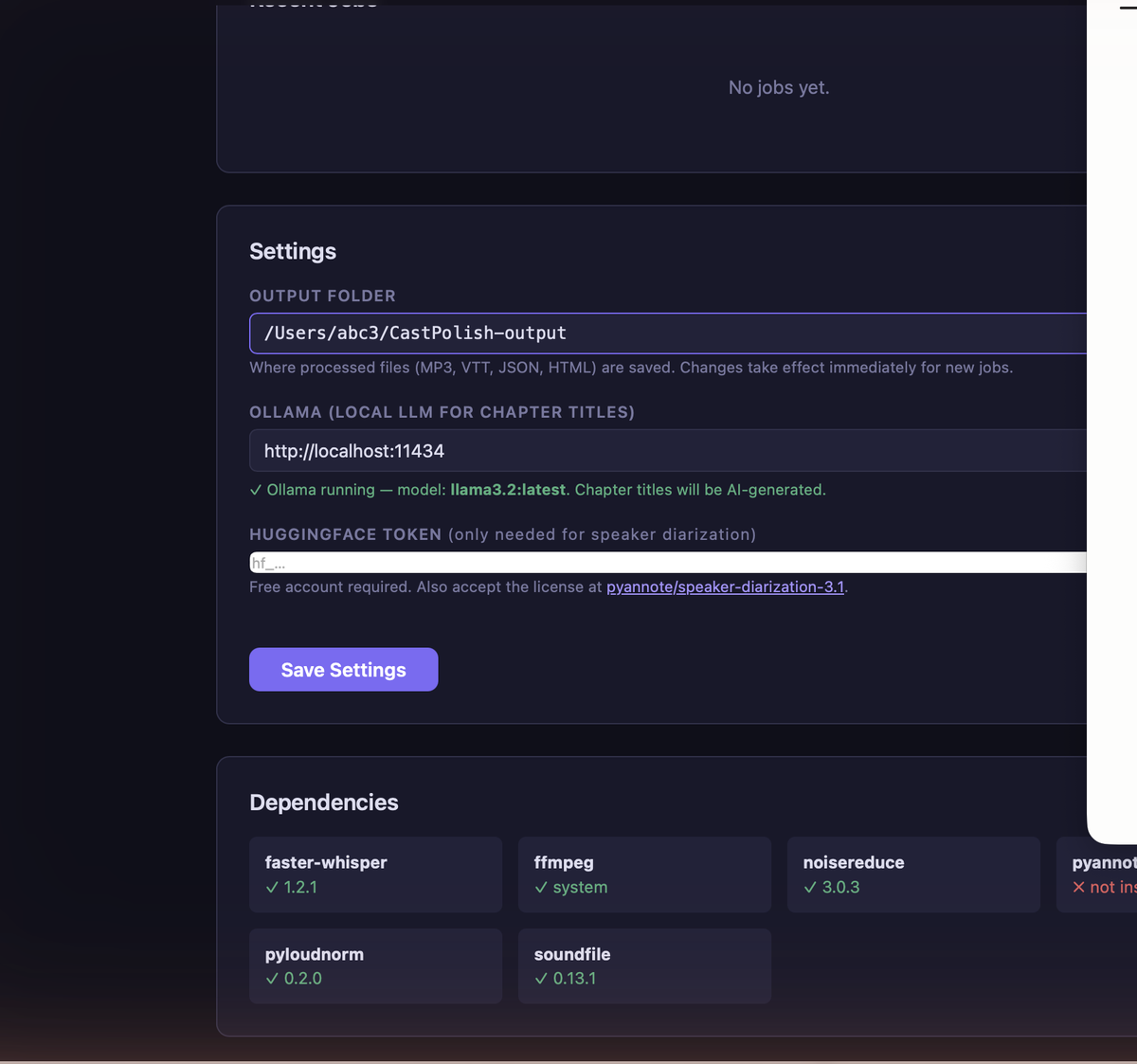
- AI shownotes — chapter titles, long and brief summaries, and suggested tags via Ollama running locally (no API key needed)
- Speaker diarization — optional, via pyannote.audio (requires a free HuggingFace account)
- macOS app — a double-click .app launcher with Dock icon that starts the server and opens your browser automatically
Get It on GitHub
CastPolish is fully open-source under the MIT license. Source code, issue tracker, and documentation are at github.com/abc3-Mac/castpolish.
Installing CastPolish on Your Mac
Open Terminal by pressing Command + Space, typing Terminal, and pressing Return. Paste each command below one at a time, pressing Return after each one and waiting for it to finish before moving to the next.
Step 1 — Install Homebrew
Homebrew is a package manager that installs software on your Mac:
/bin/bash -c "$(curl -fsSL https://raw.githubusercontent.com/Homebrew/install/HEAD/install.sh)"It will ask for your Mac password (you won't see the characters as you type). If it shows a message saying "Run these two commands" when finished, paste those two lines and press Return after each.
Step 2 — Install Python and ffmpeg
brew install python ffmpegStep 3 — Install Ollama (optional — for AI summaries)
brew install ollama
ollama pull llama3.2
The second command downloads an AI model (~2 GB). Skip this step if you don't need AI summaries — CastPolish works fine without it.
Step 4 — Download CastPolish
git clone https://github.com/abc3-Mac/castpolish.git
cd castpolish
Step 5 — Install dependencies
python3 castpolish.py setupStep 6 — Build the Mac app
python3 create_macos_app.pyWhen it asks "Open folder in Finder? [Y/n]" — type Y and press Return. A Finder window opens showing CastPolish.app. Drag it to your Applications folder or Dock.
You're Done!
Double-click CastPolish.app to launch it. Your browser opens automatically at http://localhost:8765. The first time you process a file it downloads the Whisper transcription model (~500 MB) — this only happens once.


Comments ()