
Installing CastPolish on Windows and Linux
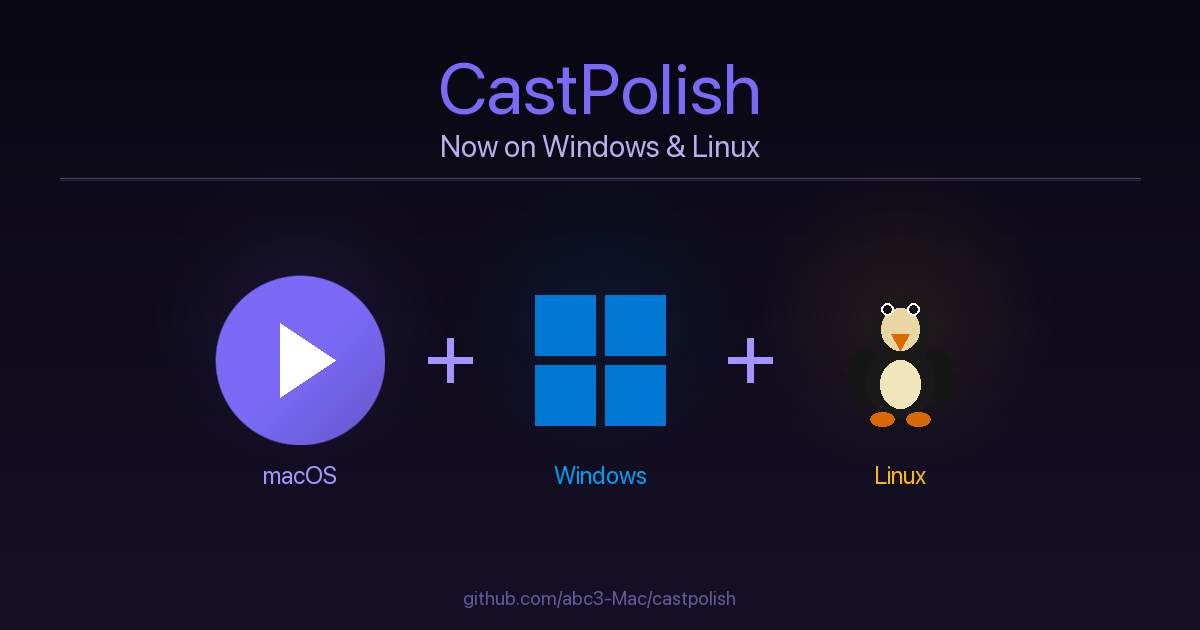
CastPolish runs on Windows and Linux as well as Mac. The web interface, audio processing, transcription, and AI shownotes all work identically across platforms. The only Mac-exclusive feature is the double-click .app launcher - on Windows you get a .bat file, and on Linux a shell script.
Windows
Open PowerShell and paste these commands one at a time. Press Return after each and wait for it to finish before moving on.
Step 1 - Install Python, Git, and ffmpeg
This uses winget, the Windows package manager built into Windows 10 and 11:
winget install -e --id Python.Python.3.12
winget install -e --id Git.Git
winget install -e --id Gyan.FFmpeg
Close and reopen PowerShell after this step so the new PATH entries take effect.
Step 2 - Install Ollama (optional, for AI summaries)
winget install -e --id Ollama.Ollama
ollama pull llama3.2
The second command downloads a ~2 GB AI model. Skip this step entirely if you do not need AI-generated chapter titles and summaries.
Step 3 - Download CastPolish
This clones the repository into a castpolish folder inside your home directory:
cd %USERPROFILE%
git clone https://github.com/abc3-Mac/castpolish.git
cd castpolish
Step 4 - Install Python dependencies
python castpolish.py setupWait for the Setup complete message before continuing. Note: Windows uses python (not python3).
Step 5 - Start CastPolish
python castpolish.py serveThen open http://localhost:8765 in your browser. Press Ctrl+C in PowerShell to stop the server.
Optional - Windows Launcher (.bat file)
For a double-click launcher, open Notepad and paste the following:
@echo off
cd /d "%USERPROFILE%\castpolish"
start http://localhost:8765
python castpolish.py serve
pause
Save the file as CastPolish.bat in your home folder. Double-clicking it will start the server and open your browser automatically. You can also pin it to your taskbar.
Linux
CastPolish works on any modern Linux distribution. Pick the command for your package manager.
Step 1 - Install Python, ffmpeg, and Git
Ubuntu or Debian:
sudo apt update && sudo apt install python3 python3-pip ffmpeg gitFedora or RHEL:
sudo dnf install python3 python3-pip ffmpeg gitArch Linux:
sudo pacman -S python python-pip ffmpeg gitStep 2 - Install Ollama (optional, for AI summaries)
curl -fsSL https://ollama.com/install.sh | sh
ollama pull llama3.2
Step 3 - Download CastPolish
git clone https://github.com/abc3-Mac/castpolish.git
cd castpolish
Step 4 - Install Python dependencies
python3 castpolish.py setupStep 5 - Start CastPolish
python3 castpolish.py serveThen open http://localhost:8765 in your browser. Press Ctrl+C to stop the server.
Optional - Linux Launcher Script
For a one-click launcher, save this as castpolish.sh in your home folder and make it executable with chmod +x ~/castpolish.sh:
#!/bin/bash
cd ~/castpolish
python3 castpolish.py serve &
sleep 2
xdg-open http://localhost:8765
On GNOME or KDE you can create a .desktop file pointing to this script and add it to your application menu or desktop.
Notes for All Platforms
- The first time you process a file, Whisper downloads the transcription model weights (~500 MB for the small model). This only happens once.
- The create_macos_app.py script is macOS-only and will exit immediately on Windows or Linux - that is expected.
- Output files go to ~/CastPolish-output by default. You can change this in Settings.
- Speaker diarization setup (pyannote.audio + HuggingFace token) is identical on all platforms - see the previous post for the step-by-step guide.
Full source code and documentation at github.com/abc3-Mac/castpolish.
Memory Requirements
The Whisper model is loaded fresh for each job and released when done - memory does not accumulate between jobs.
Idle (server running, no job active): approximately 80 MB.
Peak RAM during a job:
- tiny model: ~150 MB
- small model (default): ~450 MB
- medium model: ~1.2 GB
- large-v2 / large-v3: ~2.5 GB
CastPolish uses compute_type=auto which selects int8 quantization on CPU, cutting model memory roughly in half versus full float16.
Optional components running alongside CastPolish:
- Ollama + llama3.2: ~2 GB (separate process, always-on if Ollama is running)
- pyannote.audio speaker diarization: adds 1 to 1.5 GB during the diarization pass
Practical minimums
- 8 GB RAM - use the small model. Avoid running Ollama at the same time on 8 GB Intel Macs.
- 16 GB RAM - medium model plus Ollama simultaneously is comfortable.
- 32 GB or more - large-v2 with all features enabled works fine.


Comments ()